
Resources
17 September 2026 · 2 min read
Connecting Shopify to a logistics warehouse: how it works
Connecting a Shopify store to a logistics provider is not just a box to tick: it is an automated flow between three systems, the store, the warehouse's WMS and the carriers. Here is how that mechanism actually works, from the click to buy to the parcel delivered.
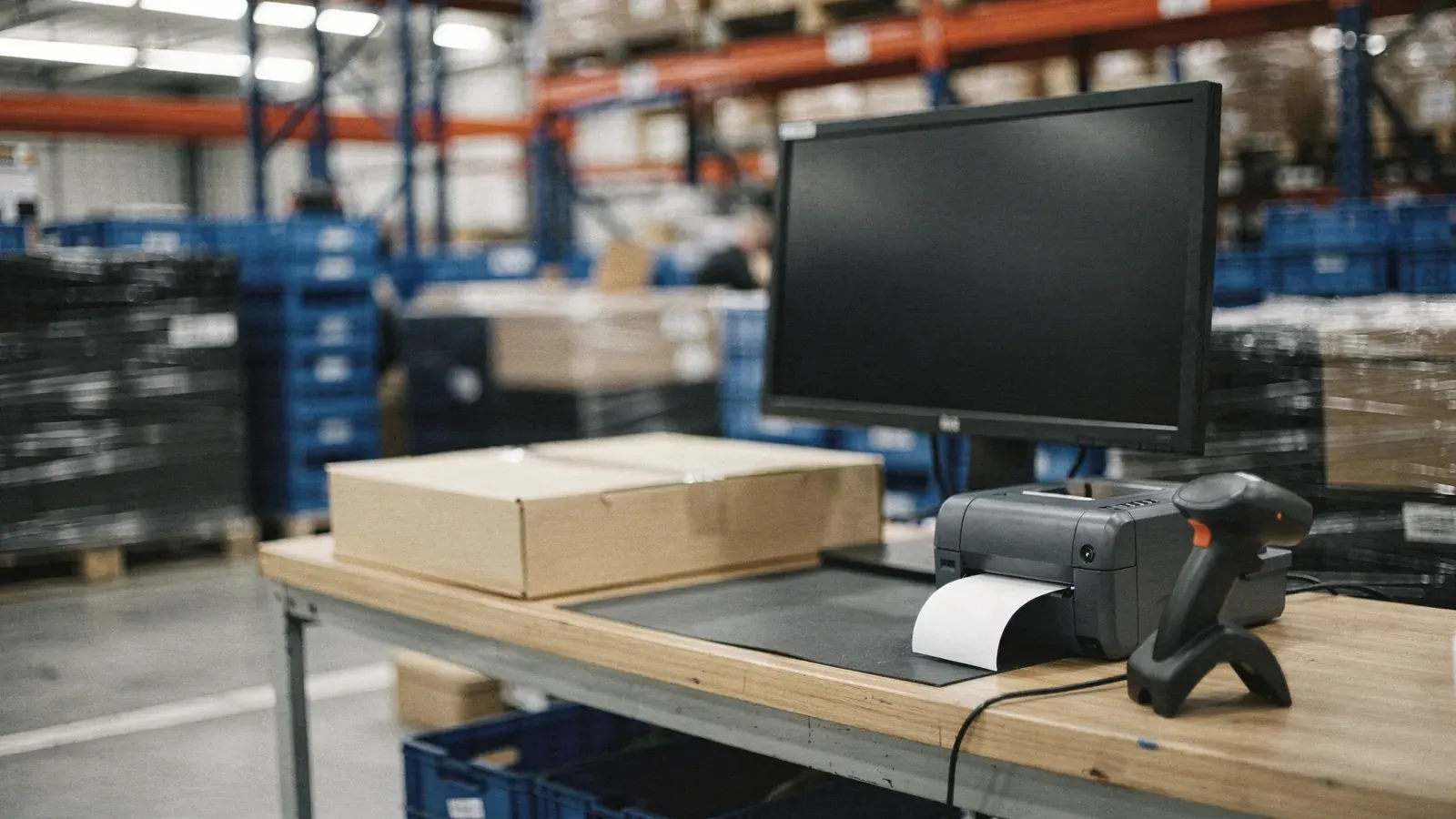
Connecting Shopify to a warehouse: three systems talking to each other
Connecting Shopify to a logistics warehouse links three elements: your Shopify store, the provider’s warehouse management system (WMS), and the carriers that deliver the parcel. The mechanism relies on automatic exchanges of information in both directions, with no manual re-entry at any stage.
The order flow: from the click to buy to picking
1. The order is placed on Shopify. As soon as it is confirmed, a webhook (an automatic notification sent by Shopify) passes the order details to the WMS: items, quantities, delivery address, chosen shipping method.
2. The order appears in the warehouse software. Without any manual step, it joins the picking queue with the same information the customer entered on the store.
3. Order picking follows the agreed specifications. Packing, specific instructions, choice of carrier by weight and destination: everything is applied automatically according to the rules agreed with the provider.
4. The label is generated and the parcel shipped. The tracking number is created at the time of shipping.
5. Tracking feeds back into Shopify. The customer receives a tracking notification directly from the store, without the provider having to send that information separately.
Continuous stock synchronisation
The stock shown on Shopify must reflect the actual physical stock in the warehouse, or you risk selling an item that isn’t available. Synchronisation works both ways: every goods receipt increases available stock on Shopify, every order picked reduces it, every return put back into stock increases it again. This runs continuously, not just once a day, to avoid any gap between displayed stock and real stock.
The returns flow
When a customer starts a return from Shopify, the information goes down to the warehouse so it can expect the returned parcel. On arrival at the warehouse, the parcel is inspected against the agreed criteria (condition, packaging, accessories), restocked or set aside, and the status is automatically sent back to Shopify to trigger the refund or exchange according to your policy. The inspection criteria are chosen in advance: see e-commerce returns management.
How it works at Brain e-Log
Brain e-Log’s Shopify integration links your store to our warehouse system: orders, stock and tracking flow automatically between the two systems, with a test on dummy orders before going live. The connection is usually set up without your developer having to step in, using limited admin access to the store.
In short
Connecting Shopify to a logistics warehouse means setting up an automated flow in three parts: orders go down into the warehouse system, stock syncs continuously, and tracking and returns feed back into the store. Once this flow has been tested and approved, the store and the warehouse work as a single system, with no re-keying and no lag.
Frequently asked questions about the Shopify integration
01Do you need technical skills to connect Shopify to a logistics warehouse?
No, in most cases. The provider installs and configures the connection through an app or limited admin access, without your developer having to step in, unless you need a custom flow.
02What happens if an order has an incomplete address?
The order stays visible in the WMS with an exception status rather than being shipped to an uncertain address; the retailer is alerted to correct it before shipping.
03Is the stock shown on Shopify always accurate?
With active synchronisation, available stock updates with every movement (receiving, picking, returns), which stops you selling an item that is no longer physically in stock.
04Do returns feed back into Shopify automatically?
Yes. Once the return has been received and inspected at the warehouse, its status is sent back to Shopify to trigger a refund or an exchange, depending on your policy.